
All your money. One clear picture.
Import statements or add transactions yourself. Bank AI helps you understand spending, track budgets and ask questions about the data you add.
Bank AI is a budgeting app by Stolen Orbit LLC, not a bank or broker. Automatic bank connections are paused. Add your own data in the iOS app; Bank AI cannot access your bank account or move your money.

Illustrative profiles and figures, not real customer accounts.
Add your data. Understand your money.
You choose what to add and keep it up to date. No automatic bank, broker or crypto connections are available today.
- 01
Import a statement
Upload a statement in the app, or enter transactions manually.
- 02
Review your spending
Check categories, balances and budgets using the information you added.
- 03
Ask the AI
Ask questions about your spending and review the answers against your own records.
Available on iOS
Make sense of your everyday spending.
Import statements or add transactions yourself. Bank AI helps you understand spending, track budgets and ask questions about the data you add.
Import a statement
Upload a statement in the app, or enter transactions manually.
Review your spending
Check categories, balances and budgets using the information you added.
Ask the AI
Ask questions about your spending and review the answers against your own records.
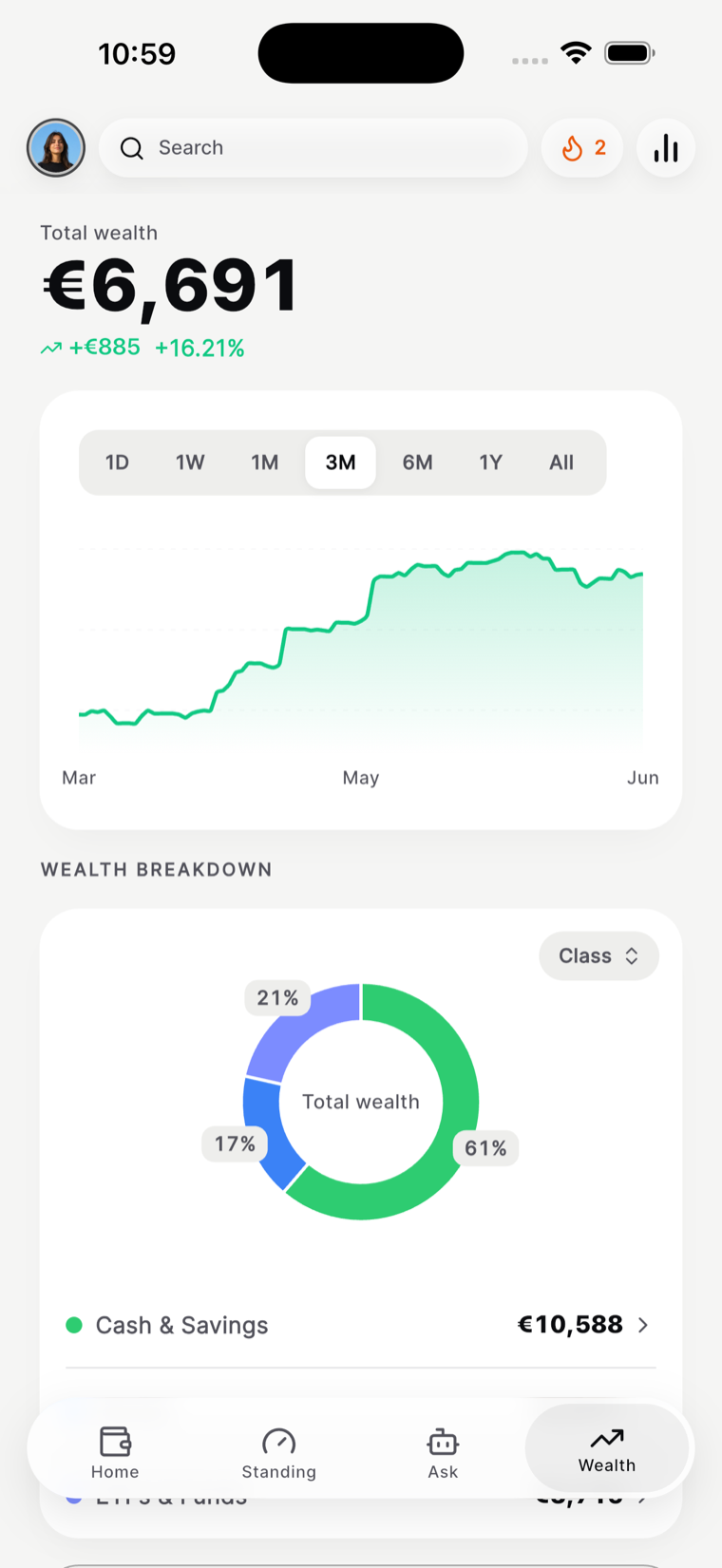
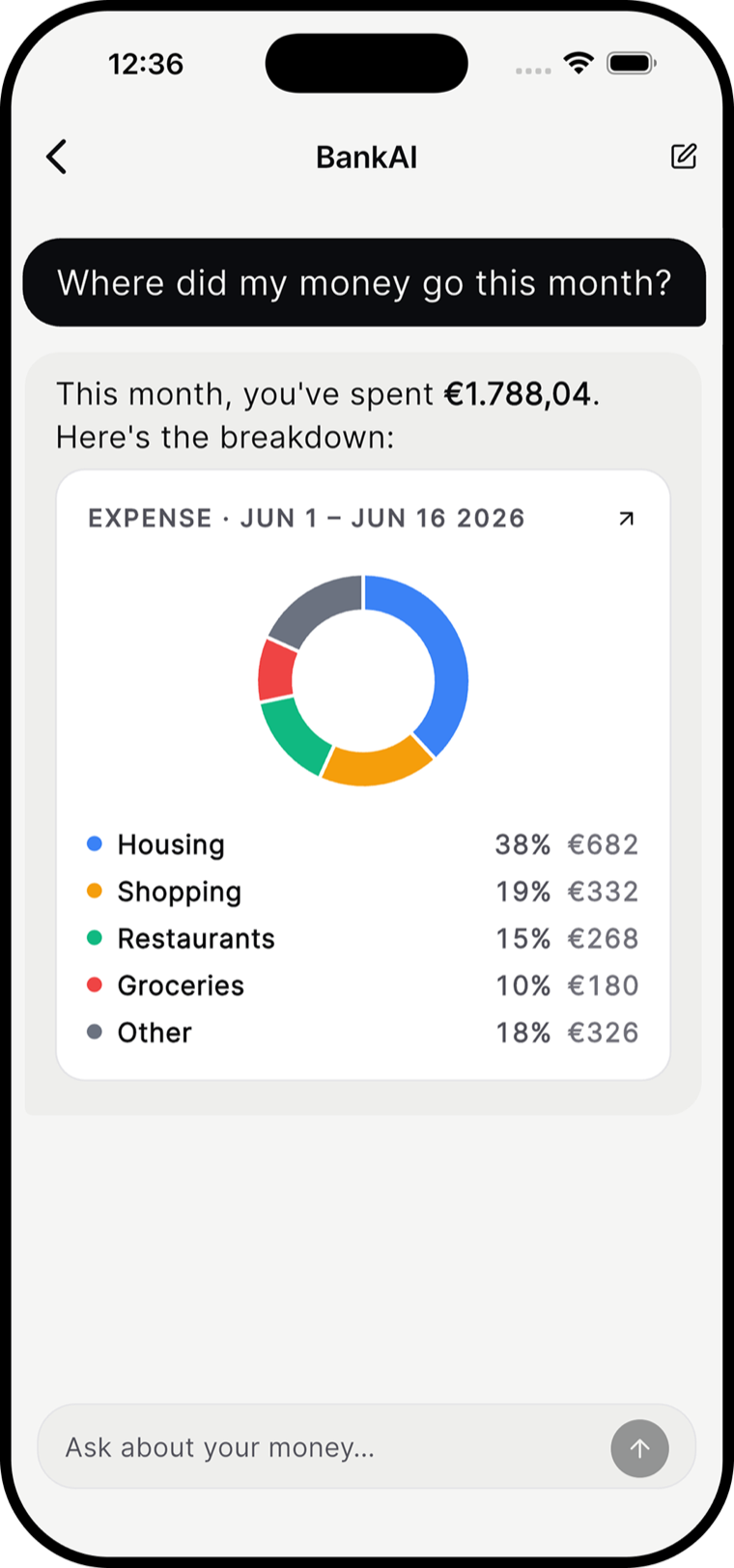
Money intelligence
Ask anything about your money.
Answers based on the data you import or enter. AI can make mistakes; check important figures against your original records.
Your bank login stays with your bank.
Bank AI does not ask for bank passwords, card PINs or payment-card details. Automatic account access is paused. This website uses HTTPS; see our privacy policy for how information you choose to share is processed.
Learn moreQuestions, answered
Frequently asked questions about Bank AI
Current features, availability and privacy.
What is Bank AI?
Bank AI is an AI budgeting and money management app operated by Stolen Orbit LLC. You import statements or add transactions yourself, then use budgets, spending views and the AI assistant to understand your records.
Can I connect my bank or broker?
No. Automatic bank, broker and exchange connections are currently paused. Bank AI does not receive a live feed from your accounts. You need to add and update your data yourself.
Is Bank AI a bank or an investment service?
No. Bank AI is not a licensed bank or broker. It does not offer bank accounts, take deposits, execute investments or move your money. Auto-invest and crypto purchases are not available.
Will Bank AI ask for my banking password?
No. Do not enter a bank password, card PIN or payment-card details on this website. The iOS app is downloaded through the official Apple App Store.
How does the AI work?
The assistant uses the information you import or enter to help explain spending and budgets. It can make mistakes, and its answers are not a guarantee or a substitute for checking your own records.
What does Bank AI cost?
Bank AI has free and Pro options. Check the app and the App Store for current prices and included features.
Where can I get the app?
The iOS app is available through the Apple App Store. Check the listing for device and regional availability. Android is not yet available; the optional Android waitlist asks for an email address only.
See all your money in one place.
Get the iOS app and add your own data. Free and Pro options are shown in the app and on the App Store. Android is not yet available.